School farm trip
Friday 9 October · 09:00
 Familiplan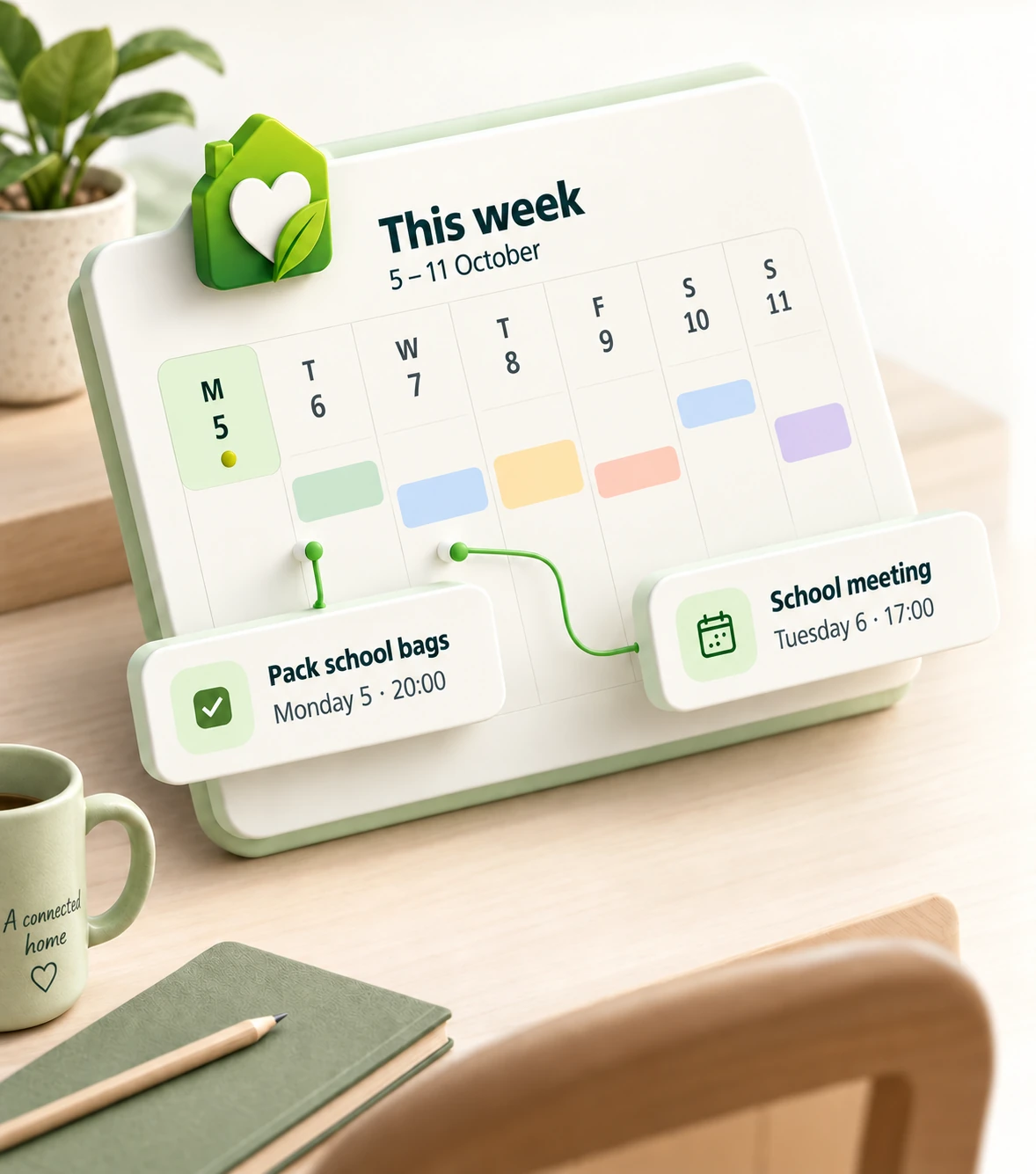
Your family's command center
Tasks, calendar, meals, shopping and expenses. One private plan for your family.
Your trial starts when you activate a plan in the app.
From message to plan
A voice note, photo, receipt or school letter. Nia prepares the actions and you decide what to save.
Voice note · an event and a reminder
2 actions ready to review
Friday 9 October · 09:00
Thursday 8 October · 20:00
Everything that keeps home moving
Tasks, calendars, meals, shopping and expenses work as one plan. A change in one place no longer creates extra work everywhere else.

Monday, August 10, 2026
Family plan for the weekAugust 10 – 16Access protected by household and permissions.
Role-based privacy
Family, caregivers, cleaners or cooks: everyone gets only the tasks, schedules and meals they need. Your expenses and the rest of your information stay private.
Family members share the week; helpers receive only the context they need.
A caregiver can see meals and complete assigned tasks without accessing expenses or personal information.
Use Nia in Review mode or turn on Full access so it runs the actions you have authorized.
How it works
Start with a separate space for your family and its data.
Create items manually or send Nia text, voice, photos and documents.
Review Nia's actions or turn on Full access; everyone checks the same up-to-date plan.
FAQ
Familiplan is a family organization app for coordinating tasks, calendars, meals, shopping and expenses in one private, shared plan.
Those tools store information; Familiplan connects actions. An appointment can create a task, a meal can feed the shopping list, and everything stays visible in the same week.
Yes. Use Review mode to edit and confirm every action, or turn on Full access so Nia automatically runs the actions you have authorized.
Nia can work with text, voice, photos and documents to create tasks, events, shopping items, expenses and recipes when your plan allows it.
Yes. The caregiver role can check meals and assigned tasks without access to household expenses.
Yes. Free covers basic household coordination for up to 4 members. Basic supports up to 8, while Advanced has no fixed member limit. Paid plans add automation and AI capabilities.
Every resource belongs to a specific household, and the API validates membership and permissions before showing or changing information.
One plan per household
Try Basic or Advanced free for 7 days and discover how much work you can delegate. One plan for the whole household.